




By Anca Andone
Senior Product Manager
Tradeshift

By Eugen Zivko
Senior Data Analyst
Tradeshift
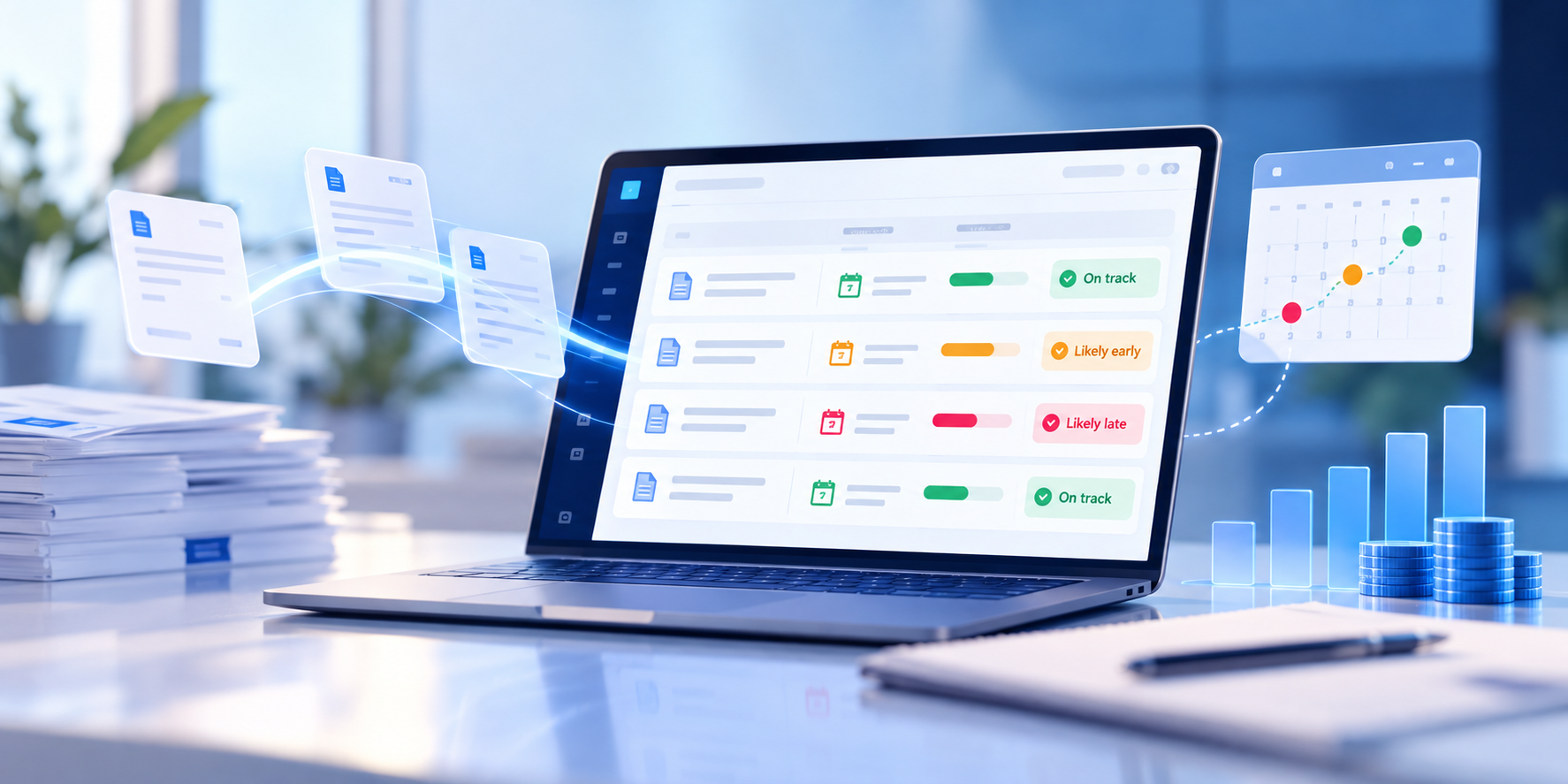
Our new Payment Predictor model learns how each of your customers actually pays, so you get clearer forecasts, more reliable confidence scores, and earlier warnings when a payment is running late.
For a seller, sending an invoice is only half the job. The other half is knowing when the money will arrive. Payment terms say one thing, but every buyer has its own rhythm: some pay early, some pay on the due date, some slow down at quarter end or around holidays. If you can’t see that rhythm, cash flow planning turns into guesswork.
That is why we built Payment Predictor for Sellers. Since its launch in May 2025, it has given sellers on Tradeshift a forecast of when each open invoice is likely to be paid, with a confidence level attached and a flag when a payment is expected early or late. On September 1, 2026, as part of our Fall Release, we replaced the model behind it with a new one that is more accurate, more honest about what it can predict, and available to many more sellers.
What changed in the new model
The first version of Payment Predictor did a good job for buyers with steady habits, but it leaned on averages. When a buyer’s payments were volatile, or when business was seasonal, an average could point sellers to the wrong week, and the confidence score did not always reflect how uncertain the forecast really was.
The new model takes a different approach. Instead of applying one global average, it looks at each seller and buyer relationship on its own and measures how consistently that buyer pays. Where the pattern is stable, it predicts the payment date and gives a confidence score that reflects that stability. Where the pattern is too erratic to forecast reliably, it holds back rather than show a number you can’t trust. Each month the model is re-evaluated against the most recent payments, so a relationship that becomes more predictable starts receiving forecasts, and one that becomes less predictable stops, until the data supports it again.
The result is a model that is better at handling payment volatility and business seasonality, and a set of predictions you can plan around.
What this means for sellers:
- Clearer visibility into when you’ll get paid: forecasts reflect how each customer actually behaves, not a blanket average across the network
- Confidence scores you can rely on: scores now reflect how consistent each buyer’s payment history is, so a high score means something
- Earlier flags for late or early payments: you see which invoices are likely to slip before they become overdue, and can follow up in time
- Fewer surprises: higher accuracy on the invoices the model predicts makes cash flow planning more dependable
Nearly twice as many sellers now get predictions
Being more precise about which relationships are predictable has a useful side effect: the model can confidently cover more of them. Around 1,200 sellers are now eligible to access payment predictions, up from about 700 under the previous model, and more invoices receive a prediction overall.
The improved model achieves better performance with less training data, enabling us to reduce the branch-level eligibility threshold from 100 to just 30 invoices.
Payment Predictor is available as a dashboard in the Reporting & Analytics App, which you open from the left side menu of your Tradeshift account. Each seller master account includes one free user license, so it is worth choosing the person on your team who manages receivables or cash planning.
Part of a growing set of tools for sellers
Payment Predictor sits alongside the other reports in the Reporting & Analytics App for Sellers. In June 2026 we added four new reports and dashboards: Document Header level, Document Lines level, Users, and Connections. Together they let sellers track the full invoice lifecycle, spot approval bottlenecks, and understand buyer purchasing habits, with the payment forecast as the natural last step: once you know where your invoices are, you want to know when they will be paid.
It also works hand in hand with AskAda for Sellers and its answer to “Where is my payment?”. The two answer different questions. AskAda tells you where an invoice or payment stands right now, using live platform data, in plain language and in your own language. Payment Predictor tells you when that payment is likely to arrive. A seller can ask Ada why an invoice hasn’t been paid yet, then check the dashboard to see when similar invoices from the same customer usually land. Between the two, most of the questions that used to become support tickets or emails to the buyer’s AP team can now be answered in a few seconds.
Why it matters for buyers too
Procure-to-pay works best when both sides of the transaction have the information they need. Most of our platform investment has focused on helping buyers automate and control their AP process, and that remains a priority. But a buyer’s AP process is only as smooth as its supplier relationships, and suppliers who can’t see when they will be paid tend to chase, escalate, and lose trust.
When sellers can forecast their own payments and check status on their own, buyers benefit directly.
What this means for your team:
- Fewer “when will I be paid?” inquiries: suppliers can see expected payment dates themselves, without contacting your AP team
- Healthier supplier relationships: transparent, predictable payment information builds trust and supports supplier adoption of the network
- A more resilient supply chain: suppliers who can plan their cash flow are better placed to deliver on time
What comes next
The new Payment Predictor reflects a principle we apply across Tradeshift AI: work on real platform data, be clear about what the data can and can’t support, and give both buyers and sellers answers they can act on. Over the coming releases we will keep extending the seller side of the network, connecting reporting, prediction, and self-service so that the information flowing between buyers and sellers stays visible to both.
For a recap of everything else we launched this fall, read our Fall Release ’26 AI overview, check the full Release Notes on the Knowledge Base, or watch the Fall Release webinar on demand.